
How to Run a Scheduled Office Lunch Service Using Food Lockers
A practical, step-by-step guide to cut-offs, batch delivery, loading and collection windows for a workplace lunch service.
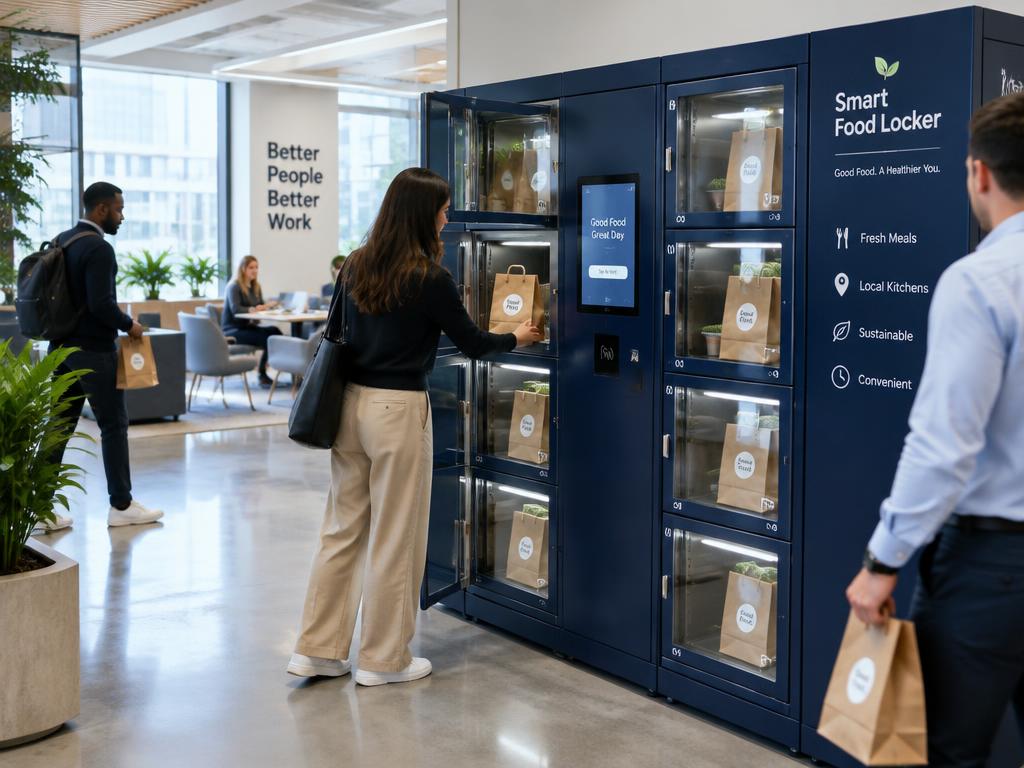
A scheduled office lunch service has four parts: a cut-off for orders, one production run, one delivery, and individual collection from lockers inside an agreed window. Getting the timings and responsibilities clear is most of the work.
Step 1: set the schedule
- 10:30am — orders close
- 10:30–11:30am — meals prepared
- By 12pm — batch delivered and loaded
- 12–2pm — collection window
Example timings. Agree the real ones with the restaurant and the site.
Step 2: agree responsibilities
- Who loads orders — the driver, a site contact or restaurant staff
- How customers receive their collection details
- Who deals with missing or incorrect orders
- What happens to orders not collected by the end of the window
Step 3: plan capacity
One order normally uses one compartment. A 16-compartment locker therefore holds up to 16 orders at once. If more people order, you need to plan a second batch once early collections free up compartments, or add capacity.
Our compartment capacity guide walks through the maths.
Step 4: keep menus simple and rotating
A short menu speeds up preparation and loading. Rotating restaurants or dishes across the week keeps people ordering.
Step 5: review after a few weeks
- Orders per day and repeat customers
- Average collection time after loading
- Uncollected orders
- Feedback from customers and the site
Ready to plan one? See scheduled office lunch.