Self-Service Ordering Kiosks and Pickup Lockers: How They Work Together
Kiosks automate ordering; pickup lockers automate collection. How the two fit together in a restaurant, and what to check first.
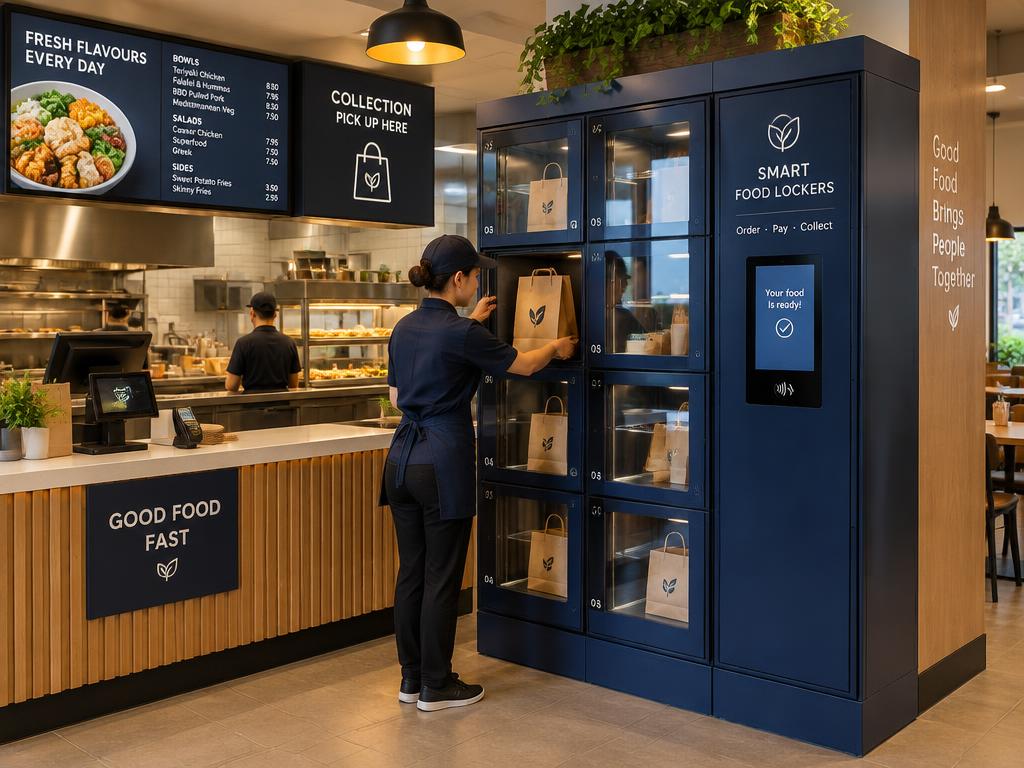
A self-service kiosk automates ordering and payment. A pickup locker automates collection. Used together, a customer can order without queuing and collect without waiting for a member of staff to find their bag.
What each one does
- Ordering kiosk — menu, customisation, payment, order sent to the kitchen
- Kitchen — prepares the order as normal
- Pickup locker — staff load the order; the customer collects with a code
Where the time is saved
Kiosks reduce the ordering queue, but collection often still happens at the counter. A locker moves that handover out of the staff's hands, which matters most at peak times and for delivery riders.
Do they need to be connected?
Not necessarily. Foodie Locker runs through its own standalone workflow: staff assign a compartment and the customer receives collection details. Linking a kiosk or POS directly can reduce manual steps, but integration options are subject to technical assessment and availability.
See how it fits a restaurant on our restaurants & takeaways page.
Questions to ask before buying
- Which ordering systems do you already use?
- Who will load the locker during peak service?
- Front-loading or rear-loading — what suits your layout?
- How will customers get their collection code?